Create Expression Field
Place the cursor where you want your expression field to be and press: ‘A’
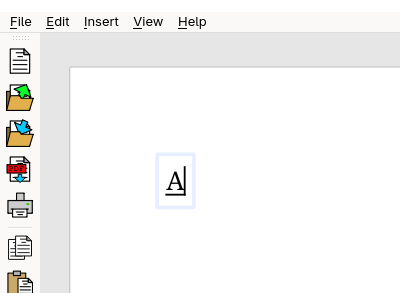
A field should now have appeared with the letter A. You can now make this feild into a definition of the symbol A by pressing the “:” key on the keyboard or by pressing the “:=” button on the right toolgrid called “Algebra”.
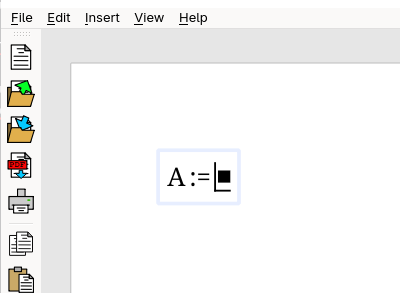
Now the field is ready for you to type in the definition of the ‘A’ symbol.
Press ‘1234’ and press enter:
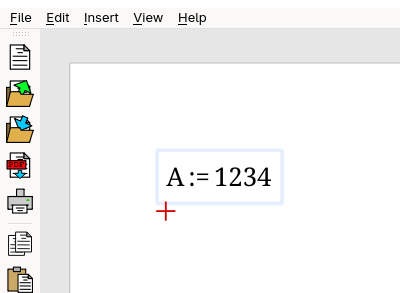
Now the symbol A is defined as the number 1234. Lets use A to make an evaluation:
Use the cursor to navigate bellow the Expression Field where we defined the symbol A and press ‘A’ on the keyboard followed by ‘*’, ‘5’, ‘/’, ‘3’, ‘=’ and press the enter key.
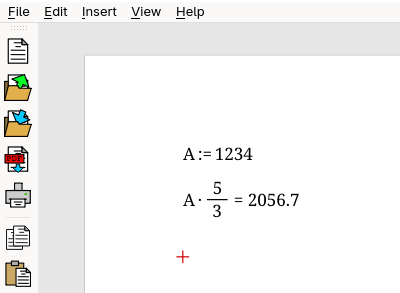
This new expression is a numerical evaluation.
Notice the distinction between := and = where the former defines the symbol on the left hand side and the latter shows the numerical evaluation on the right hand side.
Please continue with Create Functions