Getting Started
When you have started Symbolical you are presented with a window with an empty document. On the left side of the window there is a toolbar with handy shortcuts to functions that are commonly used in Symbolical. On the right side are tool button grids with handy shortcuts to expressions that are commonly used.
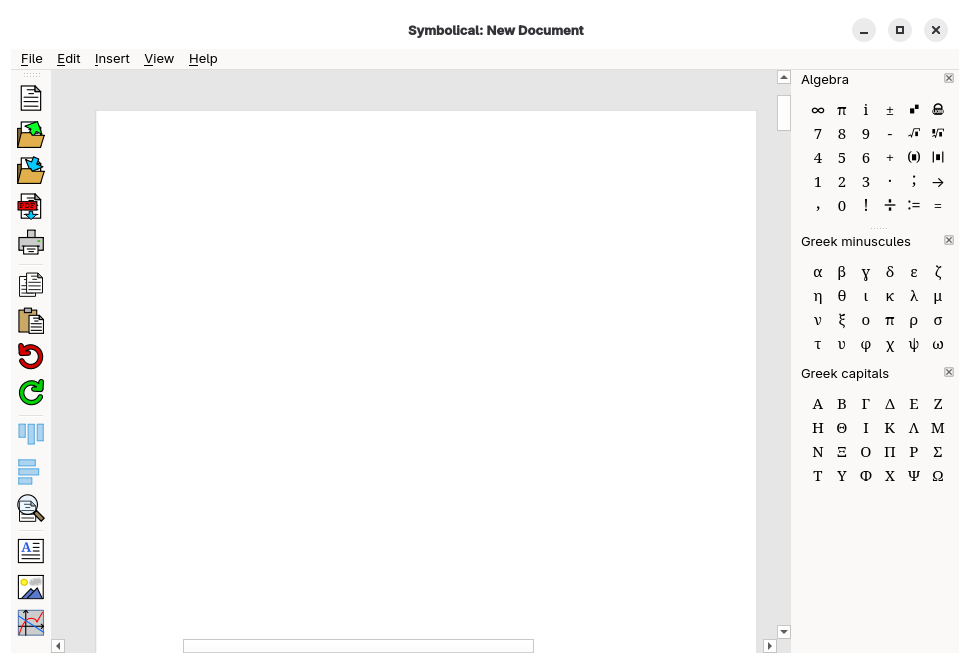
You can use the mouse scroll button to scroll up and down through the document. If your mouse supports it, you can click and hold the middle mouse button (or the scroll wheel), and move the document by moving the mouse. If you hold the CTRL key on the keyboard, while using the scroll wheel, you can zoom in and out on the document.
The cursor that represents where you are in the document is a small red cross.
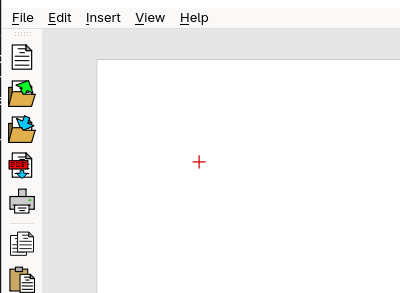
You can use the arrow keys on the keyboard to navigate the document with the cursor. You can also click anywhere on the document with the mouse to move the cursor.
If you start typing on the keyboard, this is where your input will show up.
Please continue with CreateExpression Field